


Raw footage into stock-ready clips.
Import hours of footage, review, grade, and export thousands of finished clips without doing it all by hand.
Mac and Windows · 100 free clips with code SHRED · Latest version
By artists. For artists.
THE WORKFLOW
 SelectImport your folder
 ShredFinds and trims moments
 SendExport your clips
 ShareReceive created keywords
The problem
Hours of unused footage sit in the archives because the repetitive workflow of reviewing, trimming, grading, exporting, and tagging by hand causes constant derailment from other tasks.
The solution
Stock Shredder helps find and prepare usable moments from your raw footage. You review what stays, fine-tune the look, and export individual clips ready for stock submission.
The interface
Built for speed.
Explore the interface.
Shortcuts
Approve, deny, trim, and play without leaving the keyboard.
Trim
Set your in and out points as it plays, or drag the handles.
Export
ProRes in extra sizes. Up to 8K graded, log, or both in one pass.
Looks
Built-in looks for ARRI, DJI, RED, and Sony. Plus your own LUTs.
Fine-tune
Exposure, contrast, temperature, and tint. On one clip or all.
Share
Keywords for every exported clip. Copy one clip or all at once.
Day / Night
Light or dark mode. One tap to switch.
Features
- 01
Auto-naming
Every shot gets a clear name and lands in its own folder.
- 02
Stock-site checks
Flags logos, HDR, wrong frame rates and footage under 2K before you upload.
- 03
Bad clip filter
Broken, empty and too-shaky clips are set aside for you.
- 04
Auto stabilize
Smooths shaky shots, and leaves a shot alone if smoothing would ruin it.
- 05
Grain removal
Cleans visible grain at export, only in the shots that need it.
- 06
Saved Looks
Your LUT, strength and fine-tune saved together. One click to apply.
- 07
No repeats
Remembers every clip you've reviewed, so you never review it twice.
- 08
Safe exports
Checks disk space first, waits if a drive unplugs, and failed clips cost nothing.
- 09
7 languages
English, German, Spanish, French, Italian, Japanese and Chinese.
- 10
Export library
Every past export in one place, with its look and settings.
- 11
Runs overnight
Keeps your computer awake while it exports, then tells you when it's done.
- 12
Auto updates
New versions install themselves.
Stock Shredder Remote
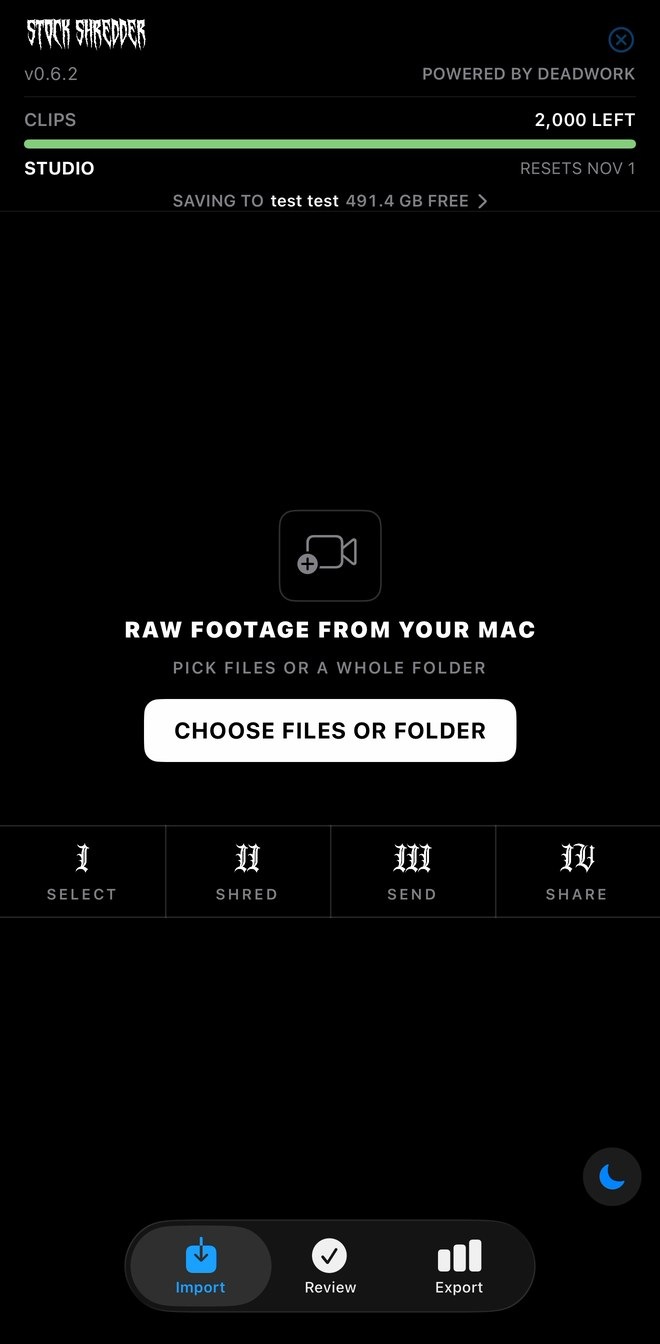
Approve clips from your phone.
Process footage anywhere without being at your computer.
Approve or deny clips from your phone while Stock Shredder runs on your Mac. Included with Studio.
Spec sheet
Speed
| Clips in | Moments found | 4K clips | Shredded in | Exported | Failed | Stock Shredder | By hand |
|---|---|---|---|---|---|---|---|
| 39 | 125 | 100 | 8 min | 8 min | 0 | 16 min | 3+ hours |
| 184 | 501 | 500 | 30 min | 49 min | 0 | 1 hr 19 min | 16+ hours |
| 588 | 1,479 | 1,000 | 87 min | 94 min | 0 | 3 hr 1 min | 33+ hours |
Real Sony FX6 and FX3 footage on a MacBook Pro M3 Pro, exported to an external SSD. Graded ProRes 422 HQ 4K. Review time not included. By hand: 2 mins per clip average.
Works with
- Artgrid
- Shutterstock
- Adobe Stock
- Pond5
- Storyblocks
- Blackbox
- iStock
- Getty Images
- Motion Array
- Envato Elements
- Filmsupply
- and more
Imports
- MP4
- MOV
- MXF
- MKV
- AVI
- M4V
- MTS
- M2TS
- MPG
- MPEG
- WebM
- 3GP
- WMV
- Blackmagic RAW
- RED R3D
- CinemaDNG
- ARRIRAW
RAW formats need the camera maker's free tools installed.
Exports
- 1080
- 2K
- 4K
- 5K
- 6K
- 8K
- Match source
- Graded + Log
- Graded
- Log
- ProRes 422 HQ
- ProRes 4444
- ProRes 4444 XQ
Export several sizes in the same pass.
Clips shredded worldwide

Reviews
Reviewers earn clips for writing a review, whatever their rating.
Pricing
Unused clips roll over for 2 months. Upgrade anytime. Start with 100 free clips using code SHRED.
Billed monthly. Cancel anytime. No fee.
Launch offer · Code SHRED
100 Free Clips. Yours for 7 Days.
Keywords included. Start any time before December 31, 2026. $0 today.
No subscription. No automatic charge. Your card is only saved to verify you and is never charged for the free trial. You get 100 clips to use within 7 days (until 7 days from today). When they run out, nothing renews: you pick a plan only if you want one. One trial per person, card and computer.
Don't finish? We'll send you one reminder the next day. Unsubscribe anytime.
$29/mo
250 clips / mo
Billed monthly
11.60¢ / clip
$69/mo
600 clips / mo
Billed monthly
11.50¢ / clip
$129/mo
1,200 clips / mo
Billed monthly
10.75¢ / clip
Includes
- Copy-paste keywords
$199/mo
2,000 clips / mo
Billed monthly
9.95¢ / clip
Includes
- Copy-paste keywords
- Approve from your phone
Pro · Studio
Copy-paste keywords
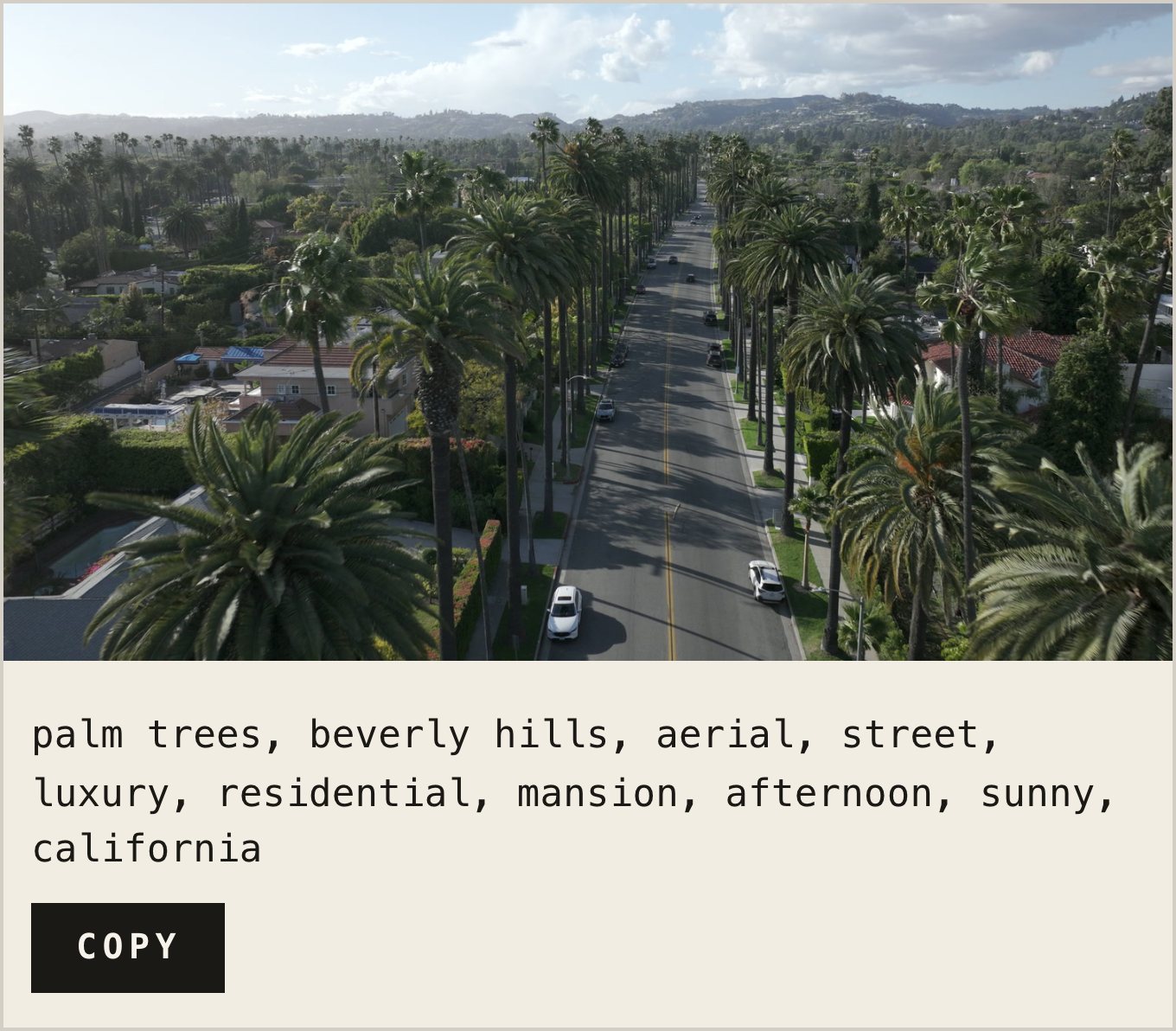
Every exported clip gets stock-ready keywords. One click copies them into your upload.
Studio
Approve from your phone
Approve or deny clips from your phone while your Mac does the shredding.
Monthly plans can be canceled anytime. No fee. You keep access until the end of your billing month. 6 and 12 month plans are billed monthly for the full term and can't be canceled early. After the term they continue month to month at the same price, and you can cancel anytime. We'll email you 30 days before the term ends.
You're in.
Thanks for the support. Here's your activation key.
- Install Stock Shredder.
- Open it and paste your key under Account › Activate with a key.
- Drop in a folder of raw footage and start shredding.
Create more. Manage less.
By Artists. For Artists.DEADWORK STUDIO
Earn
Help other filmmakers find us. Get paid in clips.
- 100 clipsWrite an honest website review
- 250 clipsShare about us on Instagram or TikTok
- 250 clips eachRefer a friend
- 750 clipsRecord a YouTube review and walkthrough
Once it's approved, you'll get an access code to add the clips to your account (needs an active plan). You earn the clips whatever your rating. Each reward once per person. Posts must be public and say you received clips, for example #ad. Referral clips arrive once your friend's plan renews. Earn and referral clips last 90 days.
FAQ
1. Mac: download it, then drag Stock Shredder into Applications. Windows: get it from the Microsoft Store.
2. Open it and paste the activation key from your email.
3. Pick a folder of footage and let it shred.
Can't find your key? Check your spam folder, or email deadworkstudio@gmail.com and we'll resend it.
Your plan's unused clips roll over automatically, up to 2 months' worth. If you cancel, we keep them for 60 days in case you come back. Earn and referral clips last 90 days from when you add them.
Each key is tied to one computer at a time. If you move to a new computer, message us and we'll reset it.
On Pro, Studio and the free trial, Stock Shredder creates ready-to-paste keywords for every exported clip. No typing tags by hand for each stock marketplace submission.
You can change plans anytime from right inside the app. Monthly plans can be canceled anytime with no fee. You keep access until the end of your billing month. 6 and 12 month plans are billed monthly for the full term. Those can't be canceled early. When the term ends, the plan continues month to month at the same price and you can cancel anytime. We'll email you 30 days before. You can also turn off auto-renew from Account and the plan ends when the term does. You can move up to a bigger plan or a longer term anytime.
Monthly plans can be canceled anytime, and you keep your plan until the month ends. We don't refund the month you're in. 6 and 12 month plans aren't refunded for the rest of the term. If you were ever charged by mistake or charged twice, email deadworkstudio@gmail.com within 14 days and we'll refund it. Full details are in our Terms.
macOS (Intel & Apple Silicon) and Windows. The Remote app is on iPhone (App Store) and Android.
From the Microsoft Store. It installs with no security warning and updates automatically.
Fully supported: MP4, MOV, MXF, MKV, AVI, M4V, MTS, M2TS, MPG, MPEG, WebM, 3GP, WMV. Covers standard DJI, Sony, and ARRI camera files.
Blackmagic RAW (.braw) is supported natively. RED R3D is accepted with REDCINE-X Pro installed. CinemaDNG sequences (DJI, Blackmagic) are supported on macOS. ARRIRAW/ARRICORE (.ari/.arx sequences and modern ALEXA 35-style .mxf) works with ARRI's free ART CMD tool installed.
Not yet supported: Canon Cinema RAW Light. Phantom Cine isn't read directly, but Windows users can convert it first with Phantom's own free PCC software. Nikon N-RAW also isn't supported.
Yes. Through December 31, 2026, code SHRED gives you 100 free clips to use within 7 days, keywords included. No subscription and no automatic charge: your card is only saved to verify you and is never charged for the free trial.
Process footage anywhere without being at your computer. With Studio, you can approve or deny clips from your phone while Stock Shredder runs on your Mac. Get it on the App Store.
Open the app's Account menu to see it anytime, or have a copy emailed to you.
Get in touch about studio or team pricing. We'll put together a plan that fits your volume.
No. Your videos stay on your computer. A few small still frames from each shot go to an outside naming service so your clips get names and keywords. For keywords, the clip's folder name goes along too. Full details are on our privacy page.
Still have a question? Email deadworkstudio@gmail.com or chat with us.
Explore all DEADWORK tools: